This is a tite
Top Editing Software for Documentary Photography: Best Tools for Authentic Visual Storytelling
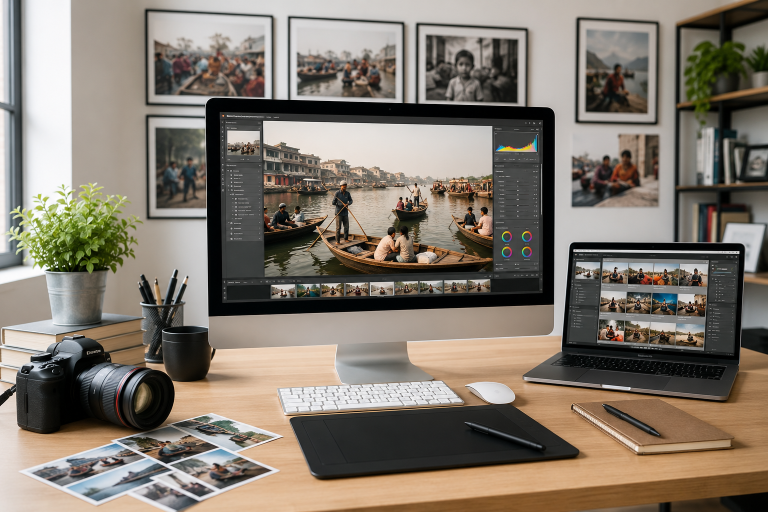
Before choosing an editing program, it’s important to understand that documentary photography follows its own editing ethics and standards. Unlike commercial, fashion, or heavily manipulated photography, documentary images often have professional limitations regarding how much alteration is acceptable. In the world of journalism and documentary storytelling, excessive manipulation can affect authenticity and even violate professional guidelines. We’ll explore documentary photo editing rules, ethical boundaries, and industry standards in a separate article. For now, let’s focus on an equally important question: which editing software works best for documentary photographers?
Why Editing Matters in Documentary Photography
Documentary photography is about preserving reality while enhancing clarity and visual impact. Editing should support the story—not rewrite it.
Good editing software helps photographers:
- Correct exposure and color balance
- Recover highlights and shadows
- Organize large image collections
- Maintain a consistent visual style
- Speed up workflow under deadlines
- Deliver publication-ready images
The goal is subtle enhancement while preserving truth.
- Adobe Lightroom – Best Overall for Documentary Workflow
Lightroom remains one of the most popular choices among documentary photographers and photojournalists.
Key Features:
- Powerful RAW editing
- Batch editing for large projects
- Presets for workflow consistency
- Excellent photo organization tools
- Cloud syncing across devices
Why Documentary Photographers Use It
Documentary projects often involve hundreds or thousands of images. Lightroom’s catalog system makes sorting, rating, and editing much faster.
Best for: Photojournalists, long-term projects, travel documentary work.
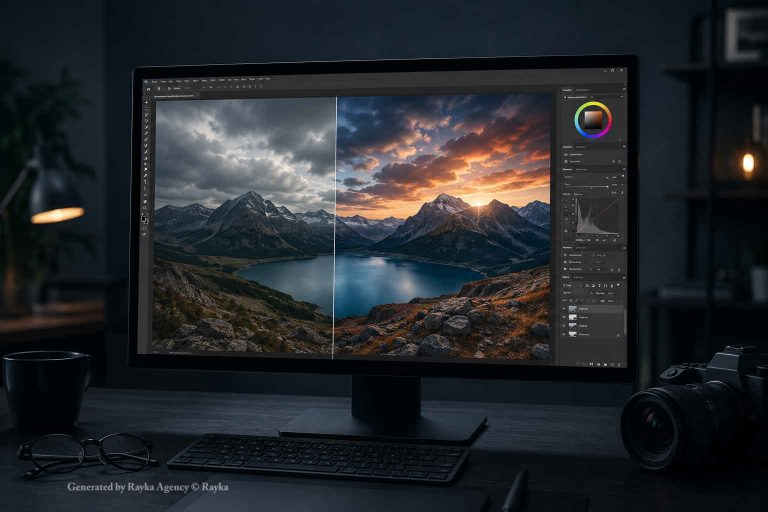
- Adobe Photoshop – Best for Advanced Corrections
While Photoshop should be used carefully in documentary photography, it still plays a role.
Useful for:
- Dust removal
- Minor distractions
- Cropping adjustments
- Tonal refinements
- Preparing images for publication
Excessive manipulation can cross ethical boundaries, so restraint is essential.
Best for: Final image preparation and technical corrections.
- Capture One – Best Color Control
Capture One is known for exceptional color rendering and tethered shooting capabilities.
Strengths:
- Advanced color grading tools
- Excellent detail recovery
- Strong file handling
- Fast professional workflow
Many photographers appreciate its natural-looking output.
Best for: Documentary photographers who prioritize color accuracy.
- DxO PhotoLab – Best for Image Quality
DxO uses sophisticated correction tools and AI-powered enhancements.
Features:
- Outstanding noise reduction
- Lens correction technology
- RAW optimization
- Smart lighting tools
This can be especially useful for low-light documentary situations.
Best for: High ISO and challenging environments.
- Photo Mechanic – Best for Fast Culling
Photo Mechanic is not primarily an editor—it is a workflow powerhouse.
Why professionals love it:
- Extremely fast image preview
- Efficient metadata management
- Rapid image selection
- Caption and keyword tools
News photographers covering live events often rely on it.
Best for: Fast-paced documentary and newsroom environments.
- Darktable – Best Free Alternative
If you’re looking for a free option, Darktable offers surprisingly powerful capabilities.
Features:
- RAW support
- Non-destructive editing
- Color correction tools
- Workflow modules similar to Lightroom
It has a learning curve but provides impressive control.
Best for: Budget-conscious photographers.
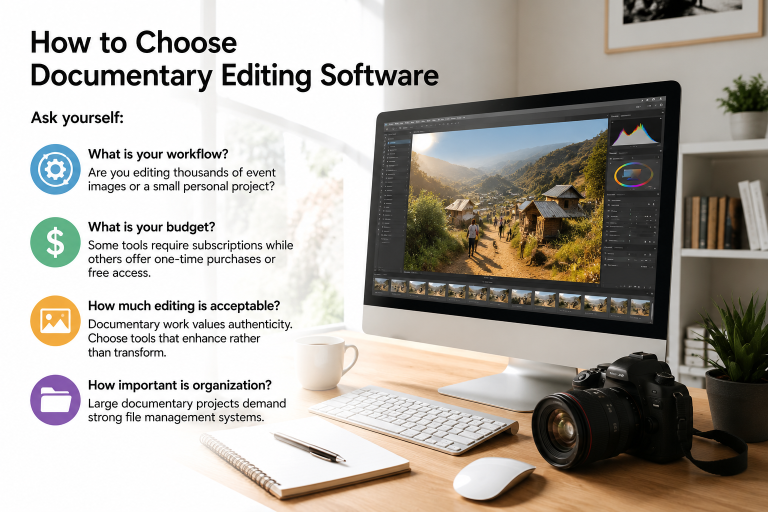
How to Choose Documentary Editing Software
Ask yourself:
What is your workflow?
Are you editing thousands of event images or a small personal project?
What is your budget?
Some tools require subscriptions while others offer one-time purchases or free access.
How much editing is acceptable?
Documentary work values authenticity. Choose tools that enhance rather than transform.
How important is organization?
Large documentary projects demand strong file management systems.
Final Thoughts
The best documentary editing software is not necessarily the one with the most effects or AI tools. The strongest software is the one that helps you tell truthful stories efficiently and ethically.
In documentary photography, editing should quietly support the narrative rather than become visible itself.
And remember: the software matters—but your eye, judgment, and integrity matter even more.